How to Monitor App Store Reviews in 2026
May 20, 2025
TL;DR
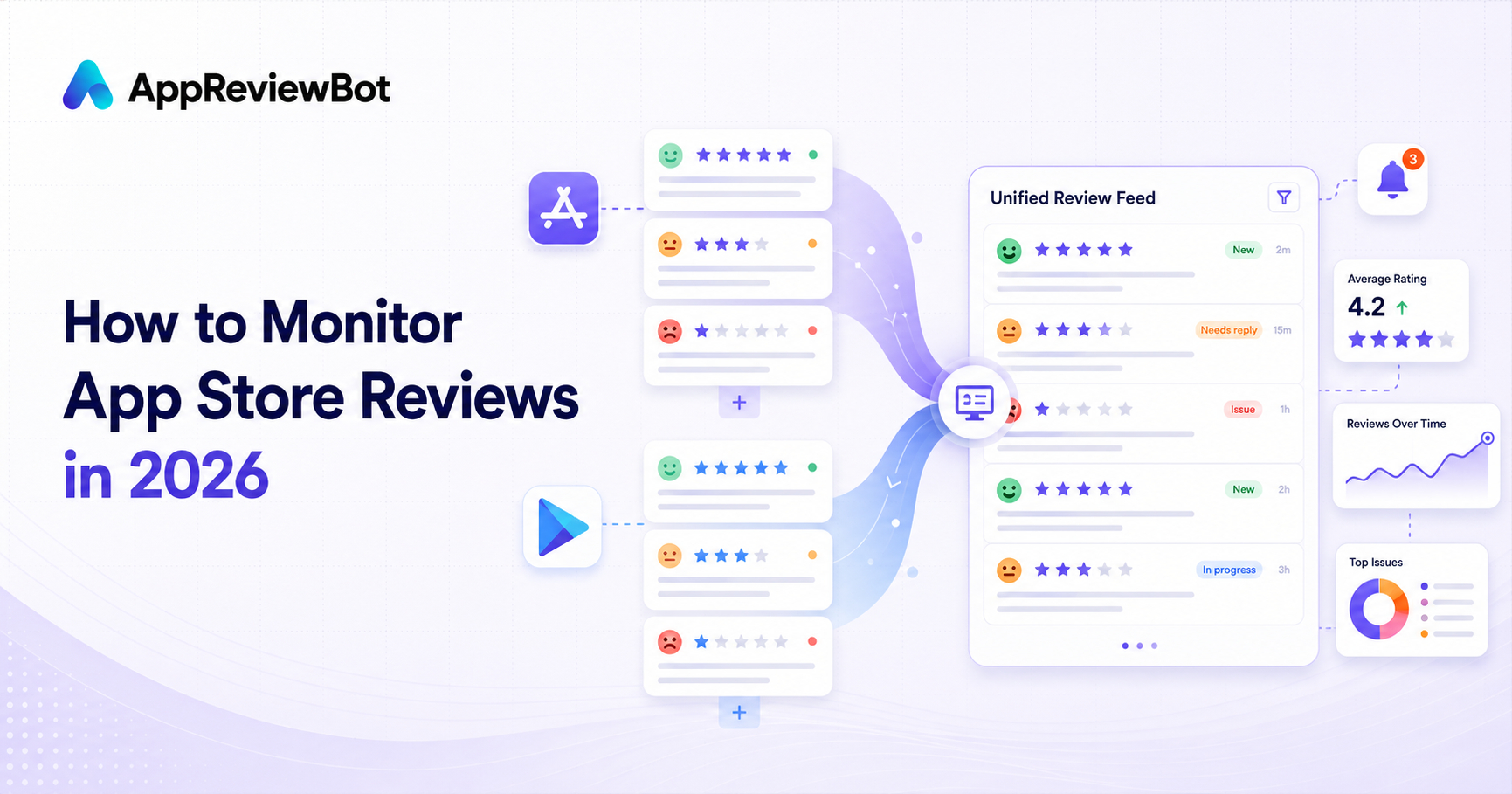
If you want to monitor app reviews in 2026, the winning setup is simple:
- Collect App Store and Google Play reviews in one place
- Send real-time alerts to Slack or Microsoft Teams
- Route low-star or keyword-matched reviews to the right team
- Respond quickly and track themes over time
AppReviewBot is designed for exactly that workflow. You can also compare it against an AppFollow alternative if you're evaluating tools.
Why App Review Monitoring Matters More Now
App reviews are one of the fastest feedback loops mobile teams get. A broken payment flow or a crash on a popular device often shows up in reviews days before it surfaces in a dashboard or a quarterly report.
The catch is that a lot of teams still check reviews by hand. Someone logs into App Store Connect, someone else checks Google Play Console, and whatever they find gets pasted into chat hours later. By then you have lost the time to reply to an unhappy user, the time to catch a release bug early, and the shared context product, support, and growth need to act together.
So the real work of monitoring is not picking a dashboard. It is getting the review in front of the right person while it still matters.
The simplest review monitoring workflow
1. Centralize both stores
Use one workflow for Apple App Store and Google Play reviews. Run them separately and you end up with two places to check and two follow-up queues, which is how Android reviews quietly go unread for a week.
2. Push reviews into your operating channel
Send alerts to wherever your team already spends the day, not a tab they have to remember to open:
- Slack for product and growth teams
- Microsoft Teams for support and enterprise teams
- Discord for community-heavy or indie teams
3. Add triage rules
Not every review deserves the same urgency. A strong setup lets you:
- escalate 1-star and 2-star reviews
- flag keywords like
crash,refund,login, orpayment - route different apps to different channels
- separate product feedback from support incidents
4. Close the loop weekly
Create a simple weekly review rhythm:
- top issues raised this week
- recurring feature requests
- reviews that need responses
- sentiment shifts after releases
What to track when monitoring app reviews
The best teams track a few metrics consistently instead of trying to instrument everything.
Response speed
How long from a 1-star review going live to a human seeing it? Aim to have urgent reviews seen the same day they appear, not at the next weekly sync. If you can't answer this question at all, that's usually the first thing to fix.
Negative-review volume
How many 1-star and 2-star reviews arrive each week?
Theme frequency
Which themes keep coming back? Crashes? Billing issues? Confusing onboarding?
Team ownership
Does every review category have a destination and a clear owner?
Manual monitoring vs automated monitoring
Manual monitoring works when:
- you have one app
- low review volume
- no need for shared visibility
Automated monitoring wins when:
- multiple teams need to see reviews
- you support more than one app
- you care about fast follow-up on low-star reviews
- you want a searchable history of incoming feedback
If you're shopping for tooling, our app review management buyer's guide breaks down what to look for in a dedicated workflow.
Recommended setup for AppReviewBot customers
A practical starting point looks like this:
- Channel 1: all new reviews
- Channel 2: low-star and keyword-triggered reviews
- Filters:
crash,bug,subscription,payment - Weekly summary: product + support review of top themes
If Slack is your primary workspace, use this guide next: How to Get App Reviews in Slack.
If Android reviews are the priority, go here next: Play Store Review Notifications Guide.
Common mistakes to avoid
Treating reviews like passive research
Reviews are operational input. Teams that win on review monitoring treat them like live signals, not a backlog they look at once a month.
Sending every review to everyone
If every review pings the whole company, nobody pays attention. Use routing and keyword filters.
Looking at ratings without context
A 1-star review that mentions can’t log in is different from a 1-star review about missing functionality. Keywords and excerpts matter.
Failing to link review insights to decisions
Reading reviews is the easy part. The point is to let them change what product ships, how support replies, and which lifecycle messages go out.
FAQ
What is the best way to monitor app reviews? The best approach is to centralize App Store and Google Play reviews, send alerts to your team chat, and use routing rules for low-star or high-risk feedback.
Can I monitor both App Store and Google Play reviews in one tool? Yes. AppReviewBot is built to monitor both stores and deliver reviews into Slack, Teams, Discord, and more.
What if I'm comparing tools? Start with the focused alternatives pages for AppFollow, Appfigures, and ReviewBot.
Next steps
- Read the App Review Management Tool Buyer's Guide
- Set up App Reviews in Slack
- Start a free trial from pricing