Play Store Review Notifications Guide
February 25, 2025
TL;DR
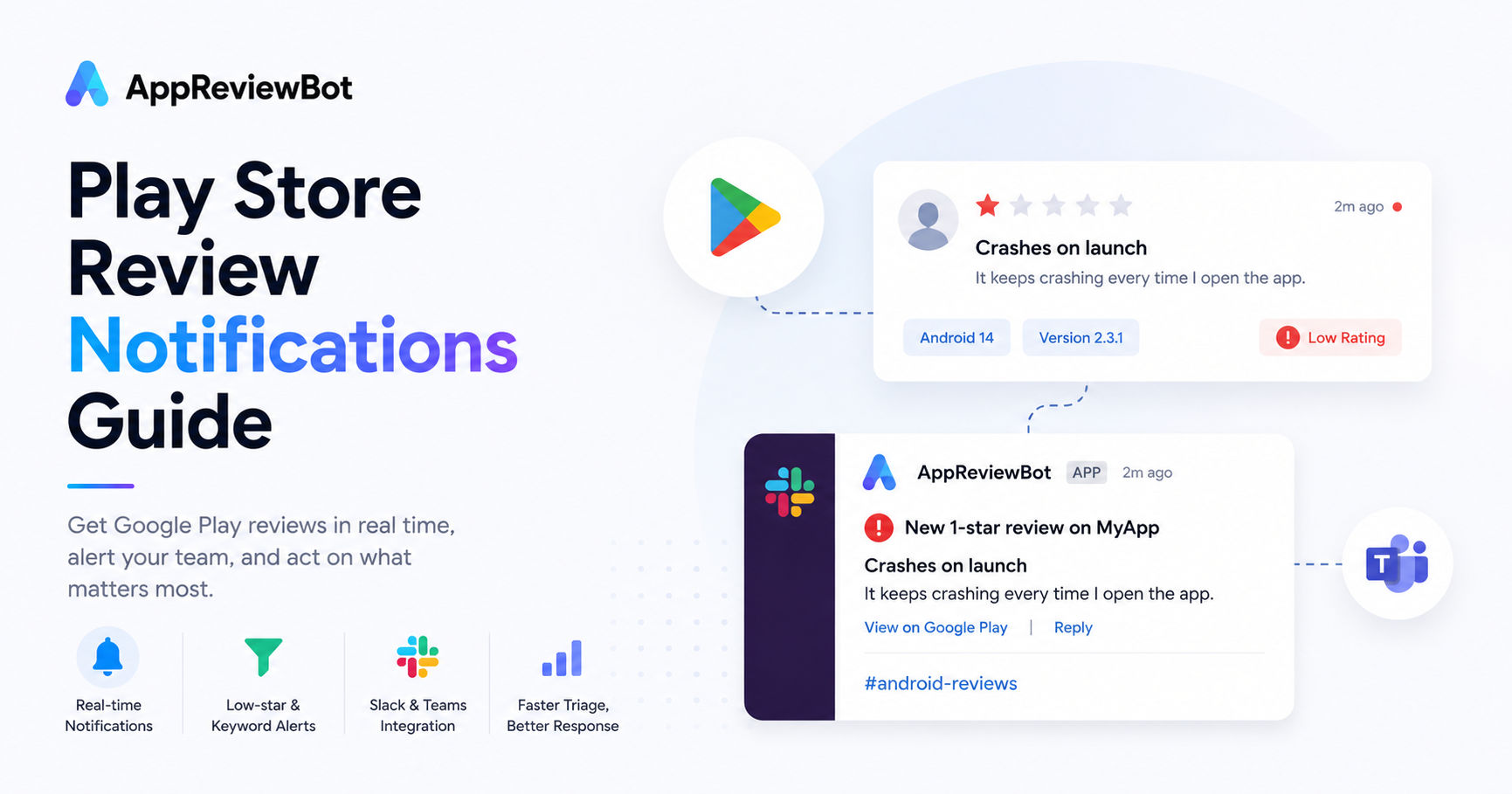
If Android reviews matter to your team, you should not rely on someone checking Google Play manually. Set up Play Store review notifications so new reviews flow into Slack or Microsoft Teams with filters for low-star and high-risk keywords.
Why Android review monitoring needs its own guide
Google Play reviews tend to spike right after a release or a staged rollout, and Android's fragmented device landscape means a bug can hit a specific phone model or OS version before you see it anywhere else. Check reviews in weekly batches and you miss exactly that window.
A few things make Android worth its own notification workflow:
- staged rollouts surface regressions on a subset of users first
- device- and OS-specific crashes often appear in Play reviews before crash reporting catches them
- Play lets you reply to reviews directly, so a fast alert turns into a fast public response
Build your notification workflow in three layers
Layer 1: every new review
Start by collecting all new Google Play reviews in one destination.
Layer 2: negative review alerts
Create a second path for 1-star and 2-star reviews so they are easy to prioritize.
Layer 3: keyword-based escalation
Flag high-risk keywords such as:
- crash
- bug
- login
- payment
- subscription
- refund
These keywords catch the reviews that usually need a same-day response.
Where to send Google Play review notifications
The best destination depends on how your team works.
- Slack for fast cross-functional collaboration
- Microsoft Teams for enterprise support workflows
- Discord for indie teams and community-facing apps
The right choice is the channel people already monitor daily.
What Android teams should look for in a tool
When evaluating a Google Play review tool, ask:
- Can it separate Android reviews from iOS reviews cleanly?
- Can we trigger alerts by keyword and rating?
- Can we route by app if we manage more than one product?
- Can product and support teams collaborate in one place?
Tools that handle all four cut the time between a review landing and someone acting on it, which is the whole point of monitoring Android in the first place.
How this fits into a broader review program
Your Google Play workflow works best wired into the rest of your review monitoring rather than run separately. In practice that means connecting Android review alerts to:
- your overall app review monitoring guide
- your Slack workflow
- your tool evaluation process in the buyer's guide
FAQ
How do I get Play Store review notifications? Use a tool that monitors Google Play reviews and pushes them to Slack, Teams, or another destination with rating and keyword filters.
Can I separate Android alerts from iOS alerts? Yes. AppReviewBot supports app-level routing, which makes it easy to separate review streams.
What if I am comparing tools before I set this up? Start with the competitor pages for AppFollow or Appfigures.
Next steps
- Send Android reviews to Slack
- Review the AppFollow alternative
- Start with pricing