Why Product Teams Need App Review Alerts
April 8, 2025
TL;DR
Product teams should not discover customer pain from a quarterly report. They should see it as soon as reviews start coming in.
App review alerts help product teams:
- detect release regressions faster
- see repeated feature requests sooner
- coordinate with support without waiting for handoffs
- prioritize fixes using real customer language
App reviews are one of the highest-signal feedback channels
Users leave reviews when they are delighted, blocked, confused, or angry enough to say something publicly. That makes reviews unusually valuable because the intent is strong and the language is direct.
For product teams, this means reviews are useful for:
- spotting friction after onboarding changes
- catching reliability issues after releases
- understanding demand for missing features
- validating whether a fix actually improved sentiment
Why alerts beat a dashboard you have to remember to open
A dashboard tells you what happened once you go looking. An alert tells you while you can still do something about it.
When review alerts land in Slack or Teams, a product team can pull in support context, confirm it against crash reports, and decide on a rollback, hotfix, or copy change in the same thread, within the hour rather than at the next weekly sync.
A practical operating model for product teams
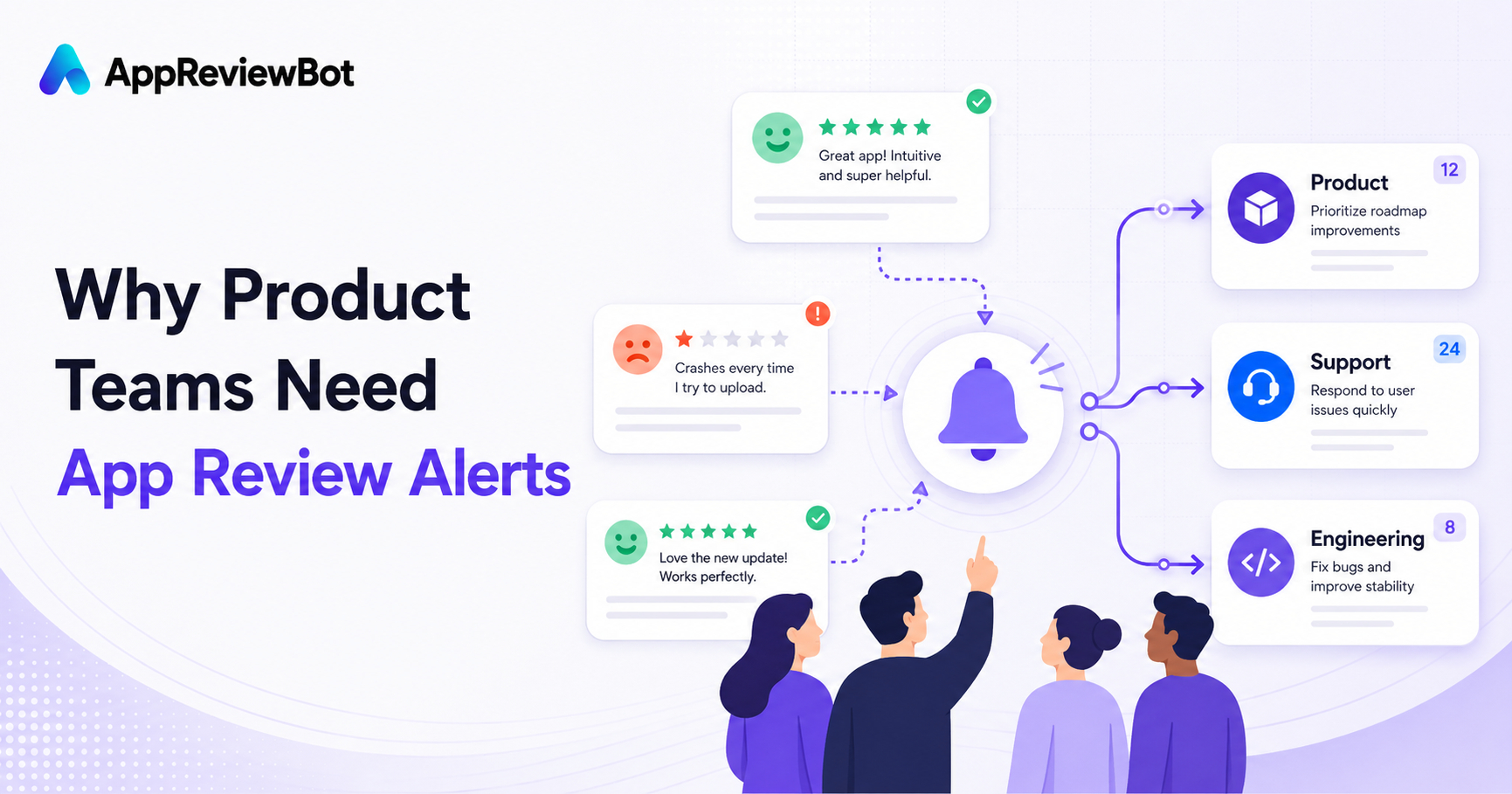
Product owns patterns
Product managers review recurring requests and complaints weekly.
Support owns urgent replies
Support or CX teams handle the customer-facing follow-up on urgent reviews.
Engineering owns incident spikes
If a release triggers a wave of crash, login, or payment mentions, engineering gets looped in quickly.
Routing is what makes this work. A review that reaches one accountable owner gets handled; the same review broadcast to forty people gets ignored.
The best alerting setup for product teams
A good baseline looks like this:
- all new reviews go to a shared feedback channel
- 1-star and 2-star reviews go to a higher-priority channel
- keywords like
crash,refund, andsubscriptiontrigger escalation - product reviews themes weekly with support and growth
AppReviewBot is built to support exactly this pattern, especially if your team already uses Slack or Microsoft Teams.
How review alerts improve prioritization
Alerts earn their keep on prioritization too, beyond the incident-response use case. If ten reviews flag the same onboarding step in three days, that is a sharper signal than a vaguely worded survey result that lands two weeks later, and it arrives early enough to act on before the next sprint is planned.
For the wider setup, pair this with the app review monitoring guide and the buyer's guide.
FAQ
Why should product teams care about app reviews? Because reviews surface bugs, feature requests, and friction in the customer's own words and often faster than other channels.
Should product teams own every review? No. The best workflow shares ownership across product, support, and engineering based on the issue.
What if we are comparing tools? See the focused alternative pages for AppFollow and ReviewBot.
Next steps
- Send alerts to Slack
- Learn how to get app reviews in Slack
- Compare pricing for your team