App Review Management Tool Buyer's Guide
July 15, 2025
TL;DR
A strong app review management tool should help your team do five things well:
- Monitor App Store and Google Play reviews in one workflow
- Send instant alerts to the channels your team already uses
- Filter by rating, keywords, app, or destination
- Create clear ownership for follow-up
- Turn customer feedback into product and support decisions
If that list matches your priorities, AppReviewBot is built around exactly those five jobs.
What most buyers actually need
Many teams start searching for an app review management tool after a painful moment:
- a crash went unnoticed in reviews after a release
- support missed a billing complaint for days
- product teams were not seeing recurring feature requests
- leadership wanted a clear signal on sentiment without asking someone to check manually
The common thread: the feedback existed, but nobody saw it in time. The job of the tool is to close that gap, getting the review to the right person fast enough to act on.
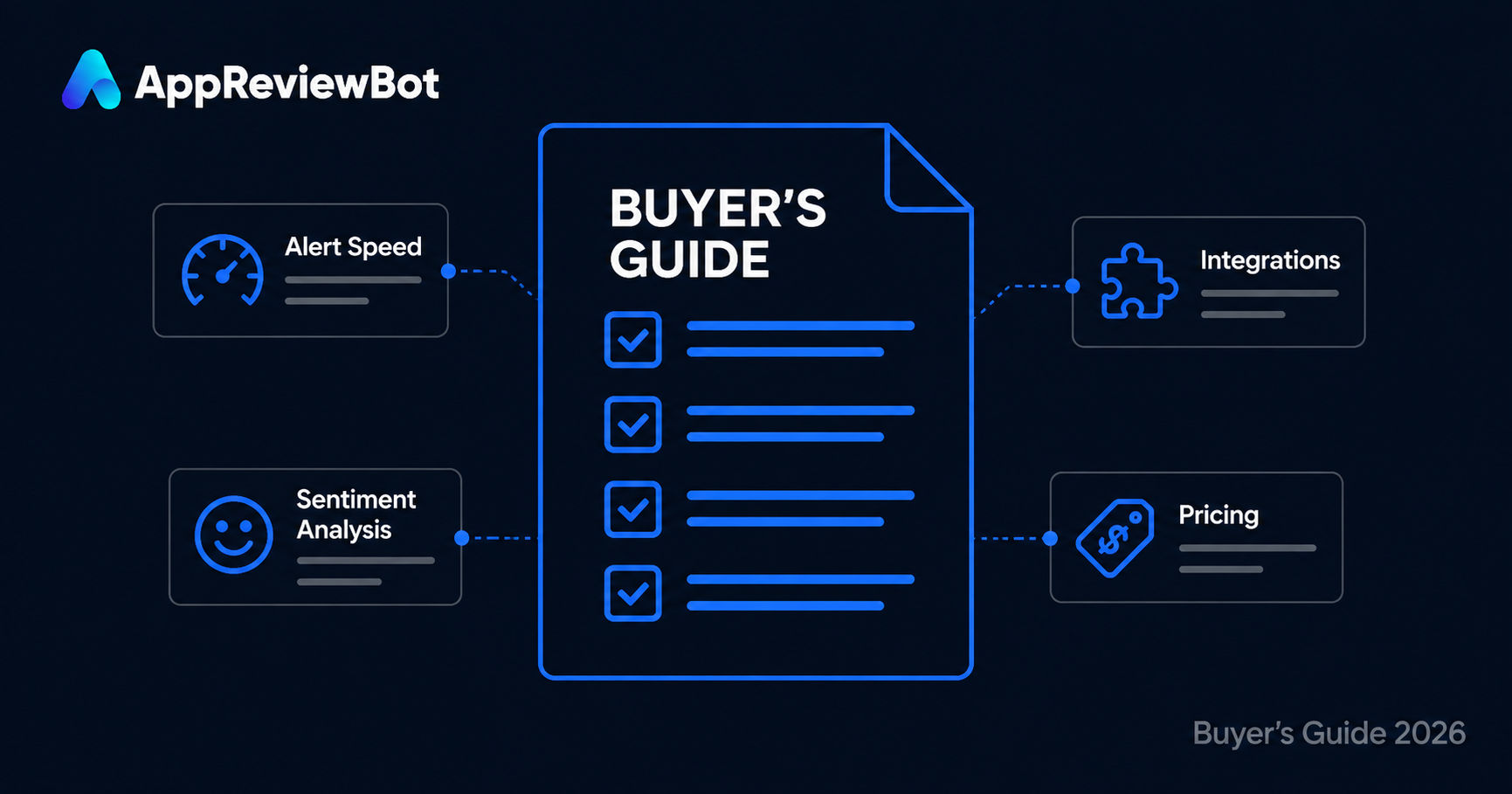
Evaluation criteria that matter
1. Coverage across stores
Can the tool monitor both Apple App Store and Google Play?
2. Delivery into real workflows
Can it push reviews into Slack, Microsoft Teams, or other channels where your team already collaborates?
3. Triage and routing
Can you separate:
- all reviews
- negative reviews
- keyword-triggered reviews
- app-specific feedback
4. Speed to value
How quickly can a team get from signup to useful review alerts?
5. Team fit
Does the tool work for product, support, and growth teams together, or does it assume a single operator living in a dashboard?
Where buyers get distracted
A long feature list is easy to fall for, but the right call depends on which problem you are actually trying to solve.
If your main need is store intelligence and analytics (keyword rankings, competitor tracking, download trends), a broader suite like AppFollow or Appfigures earns its price. If your main need is review visibility, routing, and response speed, a focused alerting tool usually does the job with far less setup. The AppFollow alternative and Appfigures alternative pages lay out where that line falls.
Questions to ask every vendor
Use this checklist when evaluating options:
- How quickly can my team see a new 1-star review?
- Can we route reviews by app, channel, and keyword?
- Does the tool support the chat platforms we already use?
- Can product and support teams collaborate without context switching?
- What happens when we add more apps or more destinations?
If a vendor cannot answer these clearly, the workflow will feel heavier than it needs to.
When AppReviewBot is a strong fit
AppReviewBot is a good fit if your team wants to:
- get new reviews in chat instead of checking dashboards manually
- speed up response time to low-star reviews
- share customer feedback across product and support
- keep setup lightweight without giving up routing flexibility
It is especially strong for teams evaluating alternatives to AppFollow, Appfigures, or ReviewBot and deciding they need a more focused review-monitoring workflow.
Recommended buying path
- Start with How to Monitor App Store Reviews in 2026
- Review the competitor pages for AppFollow, Appfigures, and ReviewBot
- Validate the team workflow using Slack or Microsoft Teams
- Compare pricing and trial the setup on a live app
FAQ
What is the difference between review monitoring and review management? Monitoring is about surfacing reviews quickly. Management includes routing, follow-up, ownership, and using the feedback to make decisions.
Do I need a big all-in-one suite? Not always. Many teams get better results from a focused tool if their biggest problem is visibility and action speed.
Which comparison page should I read first? Start with AppFollow alternative if you are comparing broad suites, or ReviewBot alternative if you want a lightweight alerting workflow.
Next steps
Read How to Get App Reviews in Slack or go directly to pricing to test the workflow with your own apps.