How AppReviewBot Simplifies App Review Monitoring for Teams
November 8, 2024
TL;DR
AppReviewBot delivers app reviews directly to your team's communication tools. Instead of manually checking App Store and Google Play, reviews arrive in Slack, Teams, or Discord within minutes.
- Centralized monitoring — All reviews from both stores in one place
- Instant notifications — Get alerts the moment a new review is posted
- Smart filtering — Focus on low-star reviews or specific keywords
- Team collaboration — Discuss and respond to feedback where you already work
- Sentiment tracking — Understand review trends over time
The Problem: Review Management Is a Time Sink
Most app teams check reviews manually. They log into App Store Connect, then Google Play Console, then scan through dozens of reviews to find the ones that matter. This process typically takes 30-60 minutes daily — time that could be spent building features.
The bigger problem? Critical feedback gets missed. A 1-star review mentioning a crash might sit unnoticed for days while users churn. By the time the team sees it, the damage is done.
Teams need a way to surface important reviews instantly, without the manual overhead.
How AppReviewBot Solves This
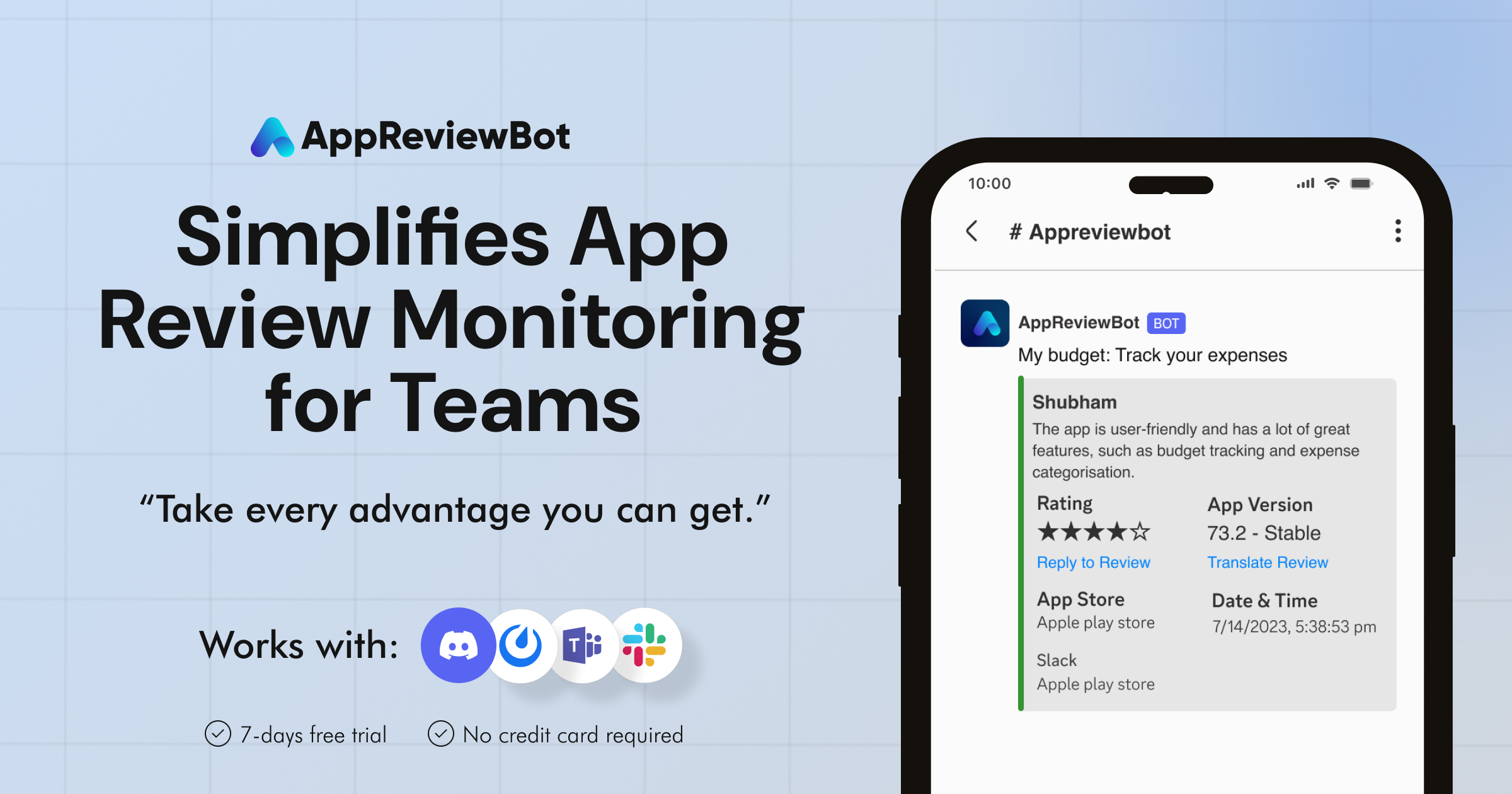
AppReviewBot connects your App Store and Google Play accounts to your team's communication tools. When a new review is posted, it arrives in your channel within minutes — formatted and ready for action.
1. Centralized Dashboard
Instead of switching between App Store Connect and Google Play Console, view all your reviews in one place. Filter by star rating, date, or keyword to find what matters.
2. Instant Notifications
New reviews trigger immediate alerts in Slack, Microsoft Teams, Discord, or your preferred platform. Your team sees feedback the moment it's posted — not hours or days later.
3. Smart Filtering
Not every review needs attention. Configure filters to:
- Alert only on 1-3 star reviews
- Flag reviews containing specific keywords (e.g., "crash," "bug," "refund")
- Route different apps to different channels
4. Sentiment Analysis
Track whether your reviews are trending positive or negative over time. Spot issues before they become crises, and measure the impact of your fixes.
Integration: Where Reviews Actually Get Seen
The real power of AppReviewBot is meeting your team where they already work. Reviews delivered to Slack or Teams get seen immediately. Reviews sitting in a dashboard often don't.
Supported platforms:
- Slack — Rich formatting with star ratings, reply threading
- Microsoft Teams — Adaptive cards with full review details
- Discord — Embeds for gaming and indie teams
- Mattermost — Self-hosted option for enterprise
- Telegram — Mobile-first notifications
- Webex — Enterprise collaboration
Each integration is designed for that platform's native experience — not a one-size-fits-all approach.
Getting the Most Out of AppReviewBot
Here's how high-performing teams use AppReviewBot:
Set up dedicated channels. Create a #app-reviews channel so feedback doesn't get lost in general chatter. Some teams create separate channels for different apps or star ratings.
Establish response SLAs. Aim to acknowledge critical reviews within 24 hours. AppReviewBot makes this achievable by surfacing them immediately.
Use reviews in standups. Start your daily sync by reviewing recent feedback. It keeps the team connected to real user experiences.
Track trends monthly. Check your sentiment analysis regularly. A sudden dip often signals a bug or UX issue that needs attention.
Key Takeaways
- Manual review checking wastes time — Automate it with AppReviewBot
- Critical feedback gets missed — Instant notifications fix this
- Reviews should reach your team — Integrate with Slack, Teams, or Discord
- Context matters — Smart filtering surfaces what's important
- Trends reveal problems early — Use sentiment analysis proactively
Frequently Asked Questions
How quickly do reviews appear after being posted? Most reviews arrive within 5-15 minutes of being published on the App Store or Google Play.
Can I monitor multiple apps? Yes. AppReviewBot supports monitoring multiple apps across both stores, with routing to different channels if needed.
Does it work with Google Play developer replies? Yes. You can view and respond to reviews directly, and replies sync back to the store.
Is there a free trial? Yes. You can try AppReviewBot free for 14 days with full functionality. Start your trial here.
Next Steps
Ready to stop missing critical app feedback?
- Start your free trial — Set up takes 5 minutes
- Connect your app stores — Link App Store Connect and Google Play
- Choose your channels — Route reviews to Slack, Teams, or Discord
Your team will wonder how they managed reviews without it.